Online Clock
A clean digital + analog clock with date, timezone support, and display toggles.
The online clock at setalarmclock.net shows the current time cleanly — digital, analog, or both — in the viewer’s own timezone. Toggle seconds, switch 12h/24h, and show the date with the weekday.
Point it at another timezone and the clock displays that city’s time, and the choice rides in the URL so a specific-zone clock is shareable.
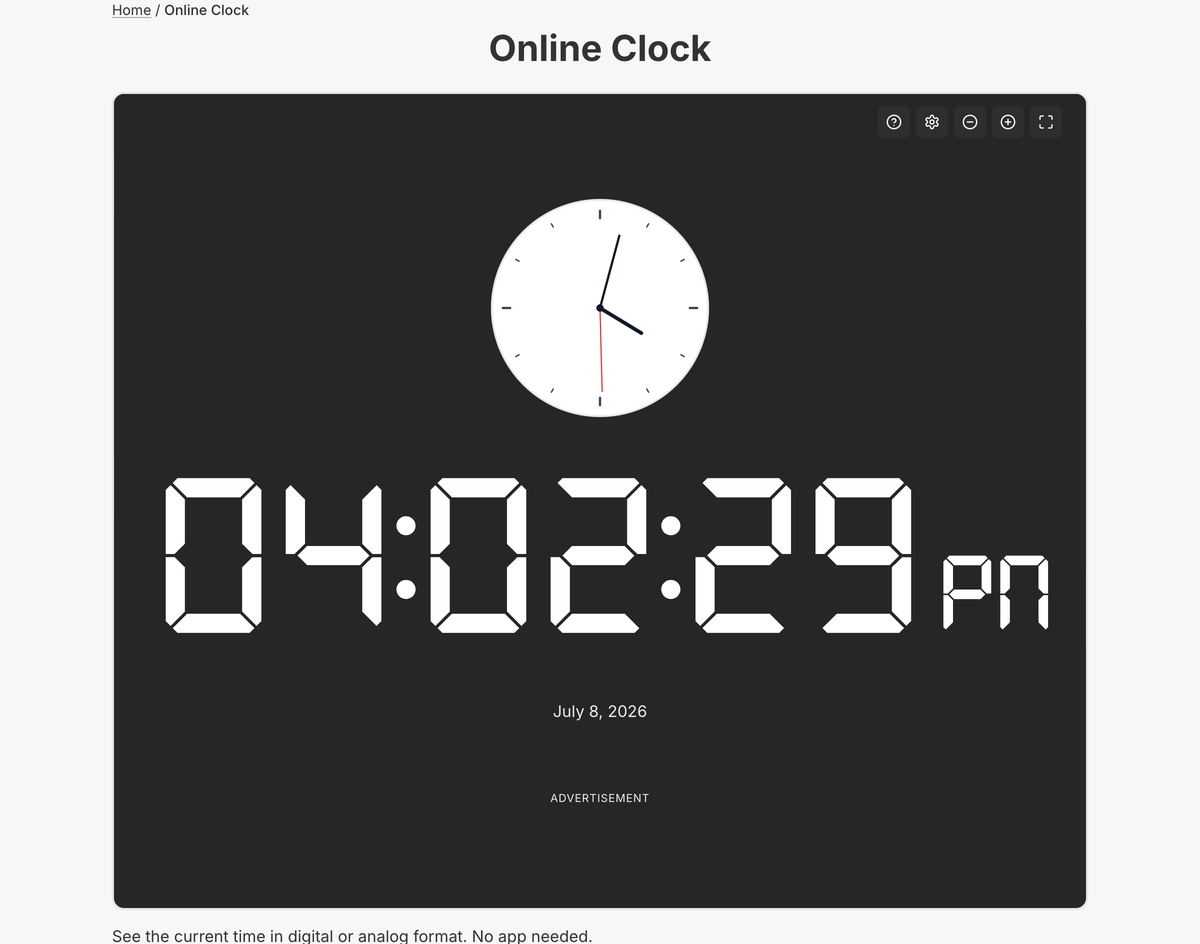
What the full online clock does
- Simultaneous digital and analog faces, each independently toggleable
- Show/hide seconds and switch between 12-hour and 24-hour format
- Optional date with weekday
- Timezone support — display another zone’s time, shareable via URL
- Display preferences persist in your browser
- Fullscreen mode and keyboard shortcuts
The full clock adds timezone selection, a shareable URL for a specific-zone clock, and persistent preferences — the embed is a fixed display, while the tool page is configurable.
Fullscreen mode turns it into a distraction-free desk clock or a display for a classroom, studio, or lobby screen, and because it reads each visitor’s device, a global audience each sees their own correct time.
Common use cases
- Homepage or landing-page time display
- Digital signage and lobby screens
- Live-event and stream headers
- Internal dashboards and wallboards
- A tidy desk clock in a spare tab
How to use the online clock
- 1
Choose a digital face, an analog face, or both.
- 2
Toggle seconds, 12h/24h, and the date to taste.
- 3
Optionally point the clock at another timezone.
- 4
Go fullscreen for a desk clock or signage.
More free tools on Set Alarm Clock
Set Alarm Clock is a whole suite of free time tools. If the online clock is useful, you’ll probably want these too:
Bonus feature
Have a website? Embed this widget
Beyond the full tool, setalarmclock.net lets you drop a working online clock straight onto your own site. The example below is just one ready-made configuration, shown running live (embedded from setalarmclock.net onto this page). To build your own — set the time, theme, size and more — use the free embed builder and copy the code it generates.
Powered by setalarmclock.net
<div style="max-width:500px;margin:0 auto;">
  <iframe src="https://embed.setalarmclock.net/embed/clock/c/eyJ2IjoxLCJmb3JtYXQiOiIyNGgiLCJzaG93U2Vjb25kcyI6dHJ1ZSwic2hvd0FuYWxvZyI6ZmFsc2UsInNob3dEaWdpdGFsIjp0cnVlLCJ0aGVtZSI6ImRhcmsiLCJiZyI6InRyYW5zcGFyZW50In0=" width="100%" height="240" frameborder="0" scrolling="no" title="Online digital clock showing local time with seconds" style="border:0;max-width:100%;" loading="lazy"></iframe>
  <p style="text-align:center;font-size:12px;margin-top:4px;color:#666;"><a href="https://setalarmclock.net/online-clock" target="_blank" rel="ugc noopener">Powered by setalarmclock.net</a></p>
</div>
Keep the “Powered by” credit — it’s the attribution link back to setalarmclock.net.
This snippet is one example. Change the settings and generate your own on the embed builder.
Frequently asked questions
Whose time does the clock show?
By default each visitor’s own local time; you can also pin it to a specific timezone for a fixed-city clock.
Can it show analog and digital at the same time?
Yes. Both faces can be on together, and each can be toggled independently — at least one always stays visible.
Are my display settings remembered?
Yes. Preferences persist in your browser, and a timezone clock is shareable through its URL.
Ready to use the online clock?
Open the full, free tool on setalarmclock.net — no account, no download.