Countdown Timer
Create a shareable countdown to any date with 40 themes and a live embed.
The countdown creator at setalarmclock.net lets you build a personalized countdown to any date — a launch, a wedding, New Year — and gives it its own shareable page with a custom social preview.
Pick from 40 themes with rich backgrounds and animation effects; holiday themes even fill in the date and title for you. Then share the link or grab the embed code.
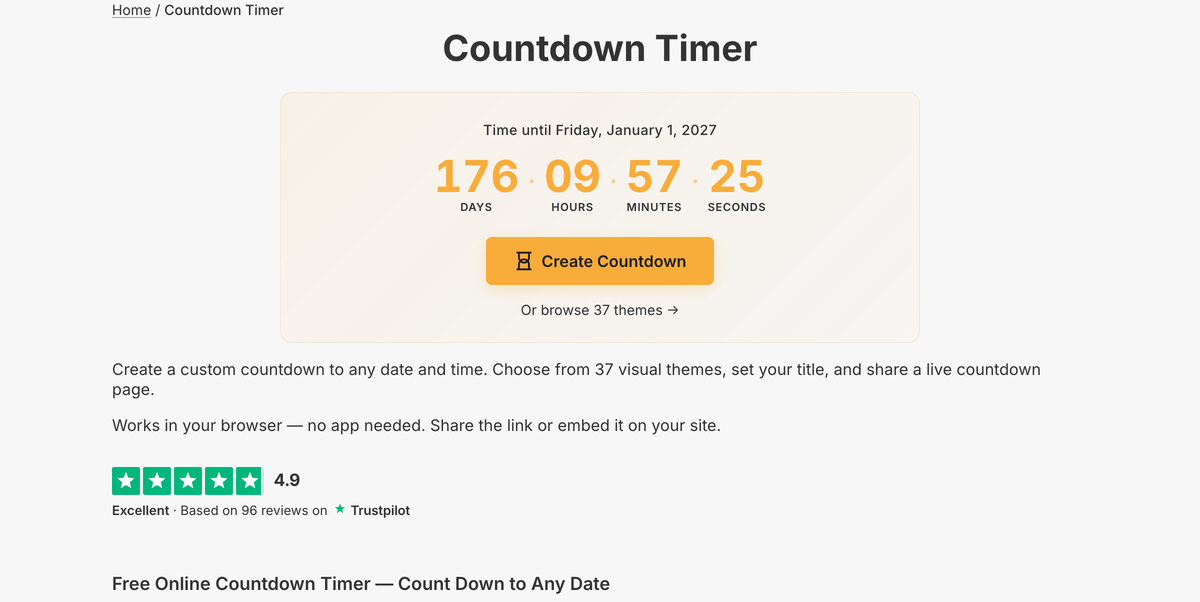
What the full countdown timer does
- 40 themes across 6 categories (holidays, life events, sports, seasons and more) with backgrounds and effects
- Searchable theme picker; holiday themes auto-fill the date and title
- Custom title, date and time, and font style
- Timezone anchoring, or “local time everywhere” mode (New Year midnight in every zone)
- Stop at zero, or count up after the event (“time since”)
- Own shareable page with a custom Open Graph preview, plus copy-paste embed code
The creator page is where you choose a theme, set the target, and generate a permanent, shareable countdown page with a social preview — the embed shown lower down is one output of that tool.
A visible countdown turns a far-off date into something people feel getting closer, which is why launch pages, event sites, and campaigns rely on them. The themes let the countdown match the occasion without any design work.
Common use cases
- Product and feature launch pages
- Weddings, birthdays, and celebrations
- Holiday and seasonal campaigns
- Sale and offer expiry timers
- Conference and webinar countdowns
How to use the countdown timer
- 1
Pick one of the 40 themes — a holiday theme fills in the date and title.
- 2
Set your title, target date and time, and font.
- 3
Choose timezone anchoring or “local time everywhere” mode.
- 4
Click Create Countdown to get a shareable page and embed code.
More free tools on Set Alarm Clock
Set Alarm Clock is a whole suite of free time tools. If the countdown timer is useful, you’ll probably want these too:
Bonus feature
Have a website? Embed this widget
Beyond the full tool, setalarmclock.net lets you drop a working countdown timer straight onto your own site. The example below is just one ready-made configuration, shown running live (embedded from setalarmclock.net onto this page). To build your own — set the time, theme, size and more — use the free embed builder and copy the code it generates.
Powered by setalarmclock.net
<div style="max-width:500px;margin:0 auto;">
  <iframe src="https://embed.setalarmclock.net/embed/countdown/c/eyJ2IjoxLCJ0byI6IjIwMjYtMTItMzFUMDA6MDAiLCJ0aXRsZSI6Ik5ldyBZZWFyIENvdW50ZG93biIsInRoZW1lIjoibmV3LXllYXIiLCJsb2NhbFRpbWUiOnRydWV9" width="100%" height="320" frameborder="0" scrolling="no" title="New Year countdown timer with fireworks theme" style="border:0;max-width:100%;" loading="lazy"></iframe>
  <p style="text-align:center;font-size:12px;margin-top:4px;color:#666;"><a href="https://setalarmclock.net/countdown" target="_blank" rel="ugc noopener">Powered by setalarmclock.net</a></p>
</div>
Keep the “Powered by” credit — it’s the attribution link back to setalarmclock.net.
This snippet is one example. Change the settings and generate your own on the embed builder.
Frequently asked questions
How many countdown themes are there?
40, spanning holidays, life events, sports, seasons and more — each with its own background image and animation effects.
Can I count down to New Year midnight in every timezone?
Yes. “Local time everywhere” mode counts to that wall-clock time in each viewer’s own zone, so everyone hits zero at their local midnight.
Will a shared countdown link show a preview?
Yes. Each countdown page has a custom Open Graph image, so the link previews with your title and date on social and in chat.
Ready to use the countdown timer?
Open the full, free tool on setalarmclock.net — no account, no download.