Online Counter
A free tally counter with custom steps, undo, history, and shareable state.
The online counter at setalarmclock.net is a tally you increment or decrement with a click — set a step, tap up or down, and it keeps your running total safe across reloads.
It’s more capable than a handheld clicker: custom step sizes up to a million, an undo stack, and a history of your recent changes.
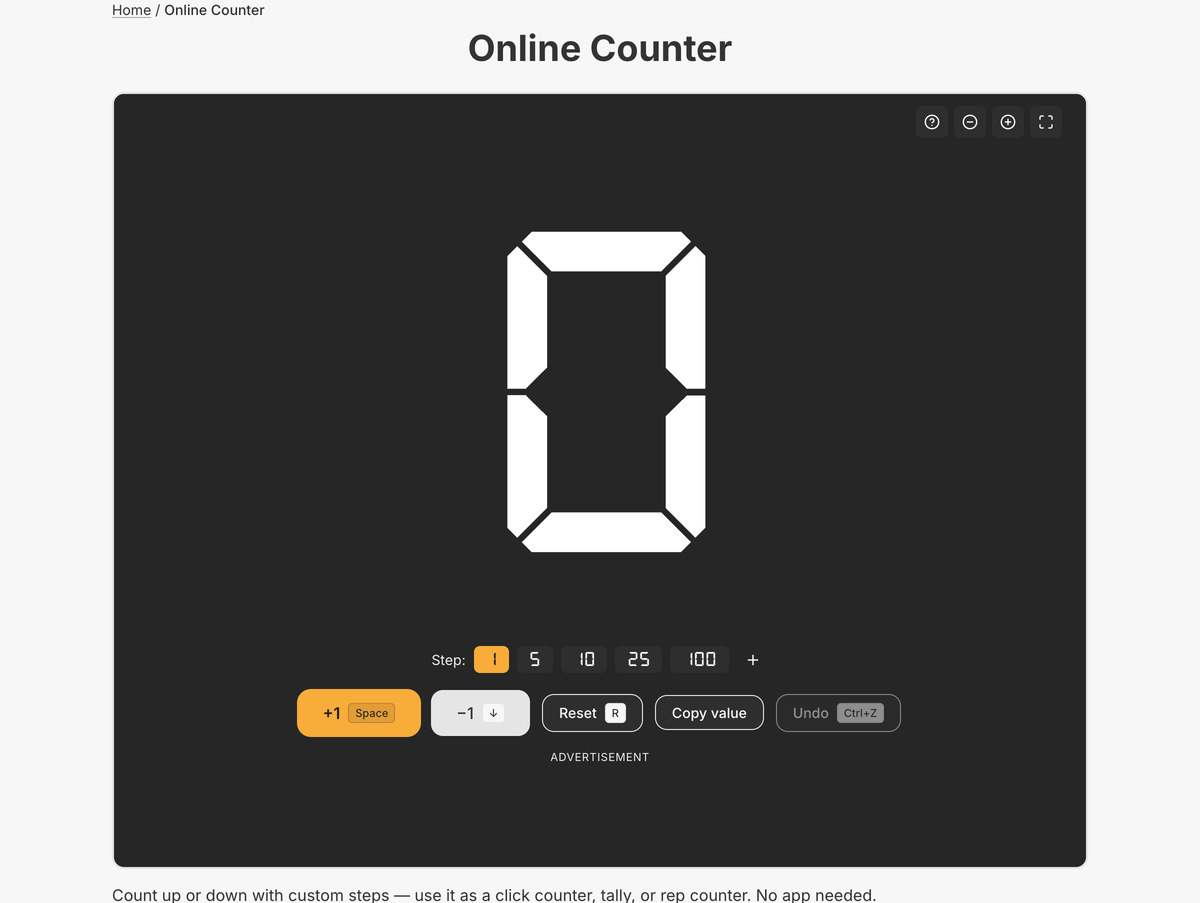
What the full online counter does
- Click to increment; shift-click or right-click to decrement; dedicated +/− buttons
- Step presets 1, 5, 10, 25, 100 plus a custom step up to 1,000,000
- Undo stack (up to 50) and a history of the last 10 changes
- Reset and copy value to clipboard; count mirrored in the tab title
- State persists in your browser and is shareable via URL
- Keyboard shortcuts for increment, decrement, undo, and step presets
The counter is the one tool here without an embeddable widget yet — so this page sends you to the full version, where the undo history, custom steps, and shareable state all live.
Because your count and step size persist in the browser and travel in the URL, you can close the tab mid-count and pick up exactly where you left off, or hand the running tally to someone else with a link.
Common use cases
- Counting attendance at an entrance
- Inventory and stock-taking
- Reps, sets, and laps
- Tallying votes or survey responses
- Keeping score in games
How to use the online counter
- 1
Set your step size (1, 5, 10, 25, 100, or a custom value).
- 2
Click the number to add; shift-click or right-click to subtract.
- 3
Undo mistakes or review recent changes in the history.
- 4
Copy the value or share the link to keep your count.
More free tools on Set Alarm Clock
Set Alarm Clock is a whole suite of free time tools. If the online counter is useful, you’ll probably want these too:
Frequently asked questions
Can I count by more than one at a time?
Yes. Choose a step preset (1, 5, 10, 25, 100) or set a custom step up to 1,000,000.
Can I undo a miscount?
Yes. There’s an undo stack of up to 50 actions and a visible history of your last 10 changes.
Is my count saved if I close the tab?
Yes. The count and step persist in your browser and can also be shared through the URL.
Ready to use the online counter?
Open the full, free tool on setalarmclock.net — no account, no download.