Pomodoro Timer
A free focus timer that runs the full work/break cycle with session tracking.
The Pomodoro timer at setalarmclock.net runs the whole focus cycle for you — 25 minutes of work, a 5-minute break, and a longer break after four sessions — with session dots that track your progress toward a completed cycle.
Every interval is configurable, so the classic 25/5 is just the default. Auto-advance moves you between phases hands-free, or take control manually.
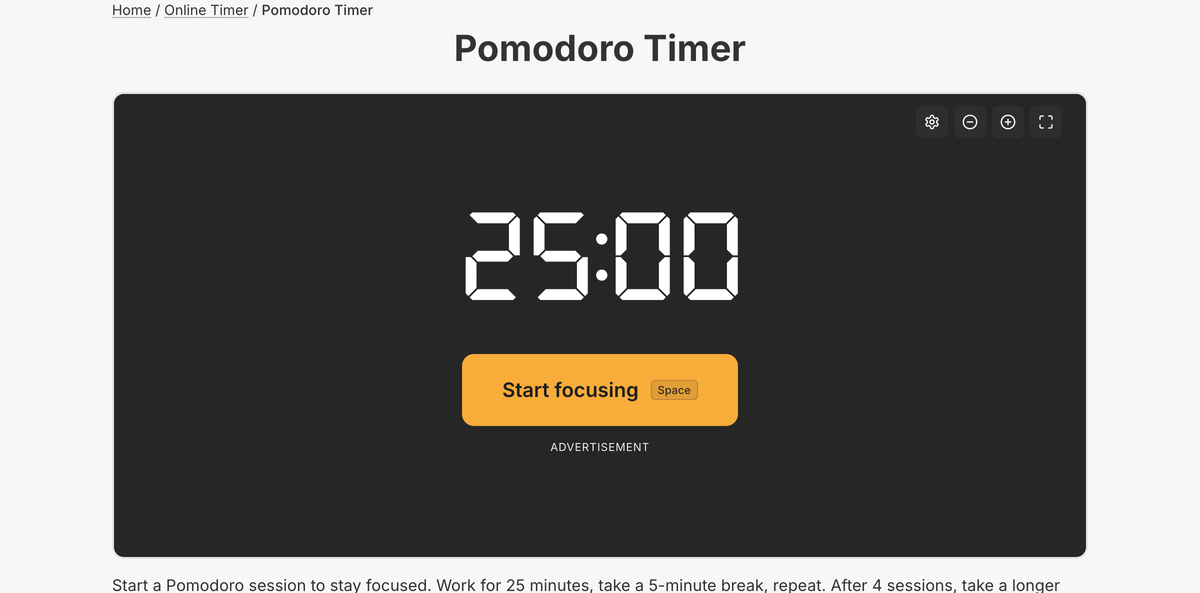
What the full pomodoro timer does
- Fully configurable intervals: work (1–120, default 25), short break (1–60, default 5), long break (default 15)
- Long break every N sessions (2–10, default 4)
- Auto-advance between phases, or manual “Take a break” / “Start focusing”
- Session dots track completed work sessions; a “Pomodoro complete” screen closes the cycle
- Sound with gradual volume and auto-stop; the phase countdown shows in the tab title
- Settings persist and round-trip in a shareable URL; skip/reset and keyboard shortcuts
The full tool tracks your sessions across the cycle, remembers your custom intervals, and lets you share your exact configuration by link — turning a plain countdown into a genuine focus routine.
The Pomodoro Technique works because committing to a single 25-minute block is far easier than facing an open-ended task, and the scheduled breaks keep your attention fresh. The tool handles the whole rhythm so you can just focus.
Common use cases
- Deep-focus work and coding sessions
- Exam revision and study blocks
- Writing sprints and creative work
- Time-boxing chores and admin
- Classroom focus-and-break routines
How to use the pomodoro timer
- 1
Keep the default 25/5 cycle or set your own work, break, and long-break lengths.
- 2
Press Start focusing to begin the first work session.
- 3
Let it auto-advance through work and breaks, or switch phases manually.
- 4
Follow the session dots until the cycle completes.
More free tools on Set Alarm Clock
Set Alarm Clock is a whole suite of free time tools. If the pomodoro timer is useful, you’ll probably want these too:
Bonus feature
Have a website? Embed this widget
Beyond the full tool, setalarmclock.net lets you drop a working Pomodoro timer straight onto your own site. The example below is just one ready-made configuration, shown running live (embedded from setalarmclock.net onto this page). To build your own — set the time, theme, size and more — use the free embed builder and copy the code it generates.
Powered by setalarmclock.net
<div style="max-width:500px;margin:0 auto;">
  <iframe src="https://embed.setalarmclock.net/embed/pomodoro/c/eyJ2IjoxLCJ3b3JrIjoyNSwiYnJlYWsiOjUsImxvbmdCcmVhayI6MTUsImN5Y2xlcyI6NCwidGhlbWUiOiJkYXJrIiwiYmciOiJ0cmFuc3BhcmVudCJ9" width="100%" height="420" frameborder="0" scrolling="no" title="Pomodoro timer: 25 minute focus, 5 minute break" style="border:0;max-width:100%;" loading="lazy"></iframe>
  <p style="text-align:center;font-size:12px;margin-top:4px;color:#666;"><a href="https://setalarmclock.net/online-timer/pomodoro" target="_blank" rel="ugc noopener">Powered by setalarmclock.net</a></p>
</div>
Keep the “Powered by” credit — it’s the attribution link back to setalarmclock.net.
This snippet is one example. Change the settings and generate your own on the embed builder.
Frequently asked questions
Can I change the 25/5 intervals?
Yes. Work length, short break, long break, and the number of sessions before a long break are all adjustable.
Does it move to breaks automatically?
It can. With auto-advance on it moves between phases for you; otherwise you start each phase yourself.
Can I share my Pomodoro settings?
Yes. Your configuration is encoded in a shareable URL, so a teammate can open the same setup.
Ready to use the pomodoro timer?
Open the full, free tool on setalarmclock.net — no account, no download.