Online Stopwatch
A free stopwatch with lap timing, lap statistics, and shareable results.
The online stopwatch at setalarmclock.net counts up with drift-free hundredths precision and records laps as you go. Start, lap, reset — and it keeps a full laps table plus statistics on your splits.
It’s built for real timing sessions: fastest, slowest, and average lap are highlighted automatically, and you can share the exact run — laps and all — with a single link.
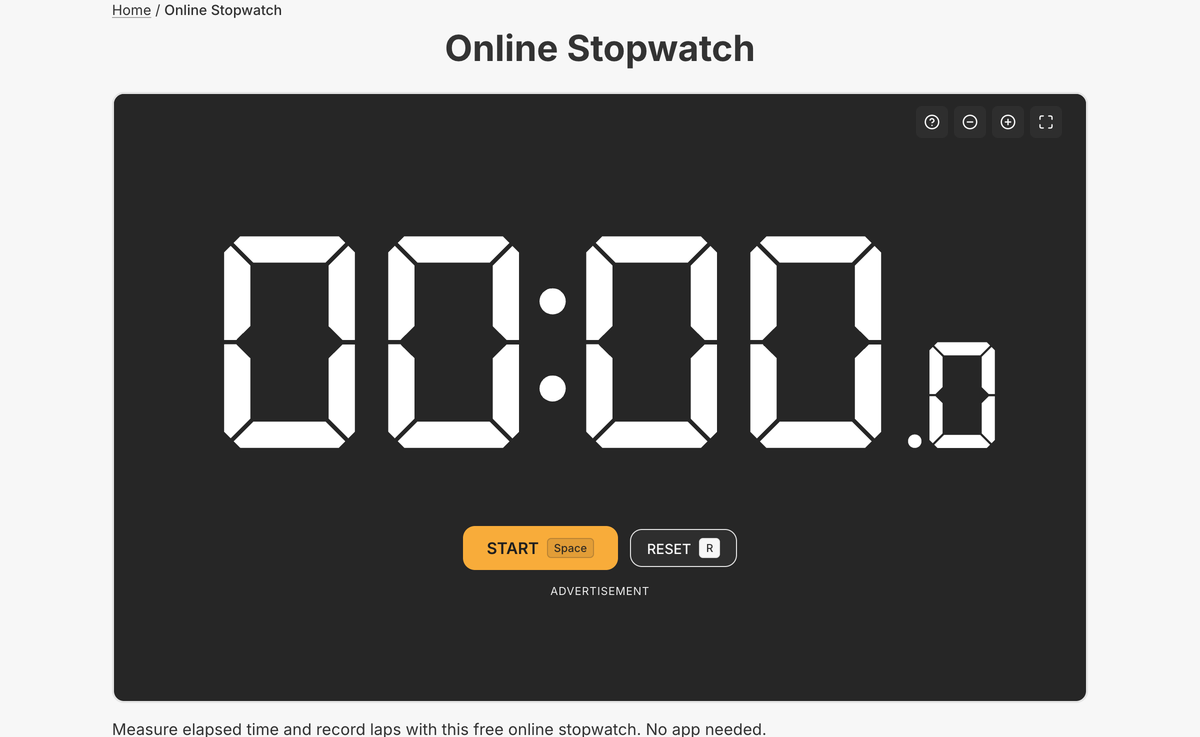
What the full online stopwatch does
- Start / pause / resume / reset with drift-free hundredths precision
- Lap recording with a newest-first table showing lap time and total time
- Lap statistics: fastest, slowest, and average, with best/worst laps highlighted
- Share link that reopens the exact run and laps elsewhere
- Copy laps as plain text for a spreadsheet or notes
- Elapsed time mirrored in the tab title; full keyboard shortcuts
The lap statistics, shareable run links, and copy-as-text export are full-page features — the embed gives you a clean working stopwatch, while the tool page turns it into a proper timing log.
Because it reads the system clock on every frame rather than counting ticks, the elapsed time stays accurate even if the tab is busy — so your splits are trustworthy across a long session.
Common use cases
- Timing sports drills and sprints
- Lap splits for repeated efforts
- Science experiments and lab timing
- Tracking how long a task really takes
- Practice and speed-run sessions
How to use the online stopwatch
- 1
Press Start to begin timing.
- 2
Tap Lap to record a split without stopping the clock.
- 3
Pause or reset whenever you need.
- 4
Copy the laps or share a link to the exact run.
More free tools on Set Alarm Clock
Set Alarm Clock is a whole suite of free time tools. If the online stopwatch is useful, you’ll probably want these too:
Bonus feature
Have a website? Embed this widget
Beyond the full tool, setalarmclock.net lets you drop a working online stopwatch straight onto your own site. The example below is just one ready-made configuration, shown running live (embedded from setalarmclock.net onto this page). To build your own — set the time, theme, size and more — use the free embed builder and copy the code it generates.
Powered by setalarmclock.net
<div style="max-width:500px;margin:0 auto;">
  <iframe src="https://embed.setalarmclock.net/embed/stopwatch?theme=dark&bg=transparent" width="100%" height="320" frameborder="0" scrolling="no" title="Online stopwatch with lap and reset controls" style="border:0;max-width:100%;" loading="lazy"></iframe>
  <p style="text-align:center;font-size:12px;margin-top:4px;color:#666;"><a href="https://setalarmclock.net/online-stopwatch" target="_blank" rel="ugc noopener">Powered by setalarmclock.net</a></p>
</div>
Keep the “Powered by” credit — it’s the attribution link back to setalarmclock.net.
This snippet is one example. Change the settings and generate your own on the embed builder.
Frequently asked questions
Does it record lap times?
Yes. Every lap is listed with its lap time and running total, plus fastest, slowest, and average-lap statistics.
Is the timing accurate?
Yes. It reads the clock each frame, so it stays drift-free to hundredths of a second even under load.
Can I share or export my results?
Yes. A share link reopens the exact run and laps, and you can copy the laps as plain text.
Ready to use the online stopwatch?
Open the full, free tool on setalarmclock.net — no account, no download.