World Clock
Compare live times across up to 12 cities, with favorites and set-alarm shortcuts.
The world clock at setalarmclock.net puts multiple cities side by side, each ticking live with its date, timezone, and offset from your local time — compare up to twelve at once.
Add any city with a typeahead search, drag to reorder, star your favorites, and jump straight from a city into a timezone alarm or the meeting planner.
What the full world clock does
- Live city cards comparing up to 12 cities, ticking every second
- Add any city via typeahead search backed by a full city dataset
- Offset to your local time on every card; drag-to-reorder
- Favorites saved in your browser
- Per-city “set alarm” shortcut and a “Plan a meeting” hand-off into Meeting Planner
- Shareable state via URL; city detail pages with DST information
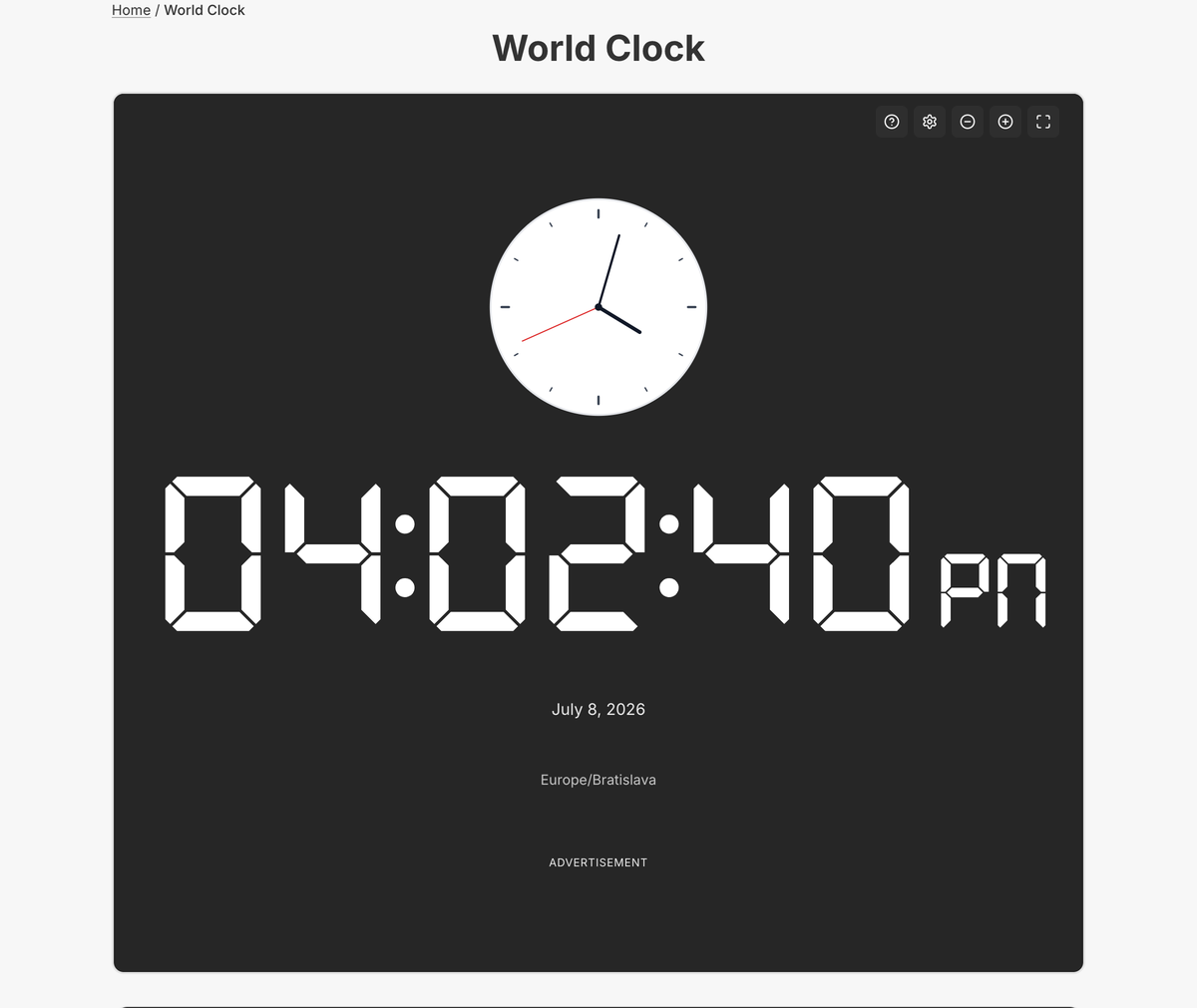
The full world clock is interactive — search and add cities, reorder them, save favorites, and deep-link into related tools. The embed is a fixed single-city display; the tool page is the multi-city cockpit.
It handles daylight-saving changes automatically, so a comparison you set up today stays correct through the year without any maintenance on your part.
Common use cases
- Coordinating a distributed team
- Planning international calls
- Head-office time on a contact page
- Travel and booking planning
- Following global markets or events
How to use the world clock
- 1
Search for a city and add it to the comparison.
- 2
Add more cities (up to 12) and drag to reorder them.
- 3
Star your favorites so they persist between visits.
- 4
Jump from a city into a timezone alarm or the meeting planner.
More free tools on Set Alarm Clock
Set Alarm Clock is a whole suite of free time tools. If the world clock is useful, you’ll probably want these too:
Bonus feature
Have a website? Embed this widget
Beyond the full tool, setalarmclock.net lets you drop a working world clock straight onto your own site. The example below is just one ready-made configuration, shown running live (embedded from setalarmclock.net onto this page). To build your own — set the time, theme, size and more — use the free embed builder and copy the code it generates.
Powered by setalarmclock.net
<div style="max-width:500px;margin:0 auto;">
  <iframe src="https://embed.setalarmclock.net/embed/world-clock/c/eyJ2IjoxLCJ0eiI6IkFtZXJpY2EvTmV3X1lvcmsiLCJsYWJlbCI6Ik5ldyBZb3JrIiwiZm9ybWF0IjoiMjRoIiwidGhlbWUiOiJkYXJrIiwiYmciOiJ0cmFuc3BhcmVudCJ9" width="100%" height="180" frameborder="0" scrolling="no" title="World clock showing the current time in New York" style="border:0;max-width:100%;" loading="lazy"></iframe>
  <p style="text-align:center;font-size:12px;margin-top:4px;color:#666;"><a href="https://setalarmclock.net/worldclock" target="_blank" rel="ugc noopener">Powered by setalarmclock.net</a></p>
</div>
Keep the “Powered by” credit — it’s the attribution link back to setalarmclock.net.
This snippet is one example. Change the settings and generate your own on the embed builder.
Frequently asked questions
How many cities can I compare?
Up to 12, each ticking live and showing its offset from your local time.
Can I save my chosen cities?
Yes. Favorites persist in your browser, and the whole comparison is shareable through its URL.
Can I plan a meeting from the world clock?
Yes. A “Plan a meeting” shortcut passes your chosen cities straight into the meeting planner.
Ready to use the world clock?
Open the full, free tool on setalarmclock.net — no account, no download.